



















Control terminal : Accelerate your growth

ADAPTED TO YOUR NEEDS

alt

Tap To Pay 10″, 22″ control terminal

Our Tap to pay kiosk is available in 2 formats: countertop or free-standing, to suit all your spaces. It enables your customers to place orders and pay directly, without the need for an Eftpos terminal or additional hardware. The integrated camera makes it easy to scan loyalty cards directly on the screen.

alt

Black 22", 24" slim countertop terminal block

The Slim kiosk can be easily installed on a counter or table. It integrates a loyalty card scanner, a ticket dispenser and an Eftpos terminal.
alt

24", 32″ white/black wall control terminal

With its wall bracket, the 24″ white wall-mounted order terminal fits elegantly into your restaurant while freeing up floor space. It integrates loyalty card scanner, TPE, ticket printer and POS support.
alt

24", 32″ white/black wall control terminal

With its wall bracket, the 24″ black wall-mounted order terminal fits elegantly into your restaurant while freeing up floor space. It integrates loyalty card scanner, TPE, ticket printer and POS support.
alt

Lightweight iPad control terminal

With its 9.7″ iPad screen and removable stand, this compact control terminal can be installed anywhere, even in small spaces. The TPE can be placed right next to it.
alt

Slim control terminal on black stand, 22", 24″.

With its shallow depth, the Slim 22" pedestal terminal is easy to install in your restaurant. Thanks to its compact footprint, it frees up space in your establishment. It integrates a loyalty card scanner, Eftpos terminal, ticket printer and POS support.
alt

White/black pedestal control terminal, 24″, 32".

With its shallow depth, the 32" pedestal control unit is easy to install in your restaurant. Thanks to its compact footprint, it frees up space in your establishment. It integrates a loyalty card scanner, Eftpos terminal, ticket printer and POS support.

BOOST YOUR SALES BY REVOLUTIONIZING THE CUSTOMER EXPERIENCE

alt

1500+ customers use our order terminals

OUR INTERFACE, YOUR BEST SHOWCASE

book a demo

Their business has taken off thanks to

control terminals

alt

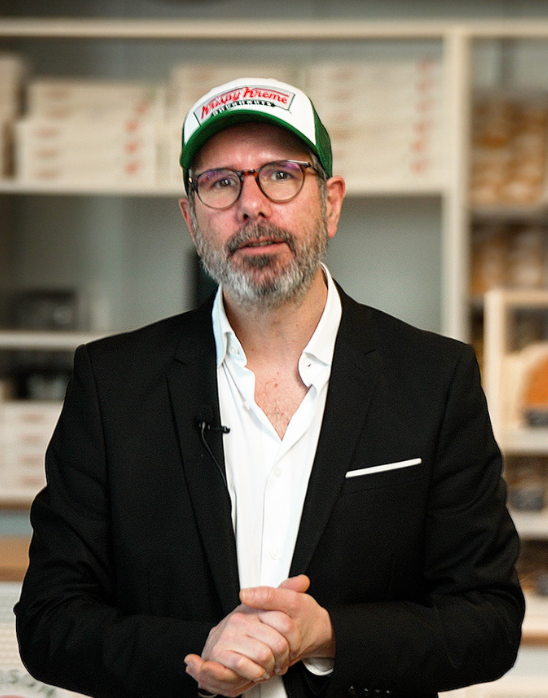
"We use the Obypay solution to manage our order kiosks, which allows us to have several customer paths within the store. The interface is extremely intuitive and makes it possible to order quickly while discovering the Krispy Kreme offer."

KRISPY KREME Thibaut, Chief Digital Officer Discover the case study
alt
alt

"We needed to distribute the kiosk orders as well as the payments to be sent to the different kitchen stands. Obypay was the most interesting and suitable solution to meet our needs."

PALMITO Matthieu, General Manager Discover the case study
alt
alt

"To simplify order-taking and facilitate the work of our teams, HEAT wanted to digitalize its food court. Connected to the Lightspeed cash register software, Obypay order terminals emerged as the solution best suited to our needs."

Heat Charles, Director Discover the case study
alt
alt

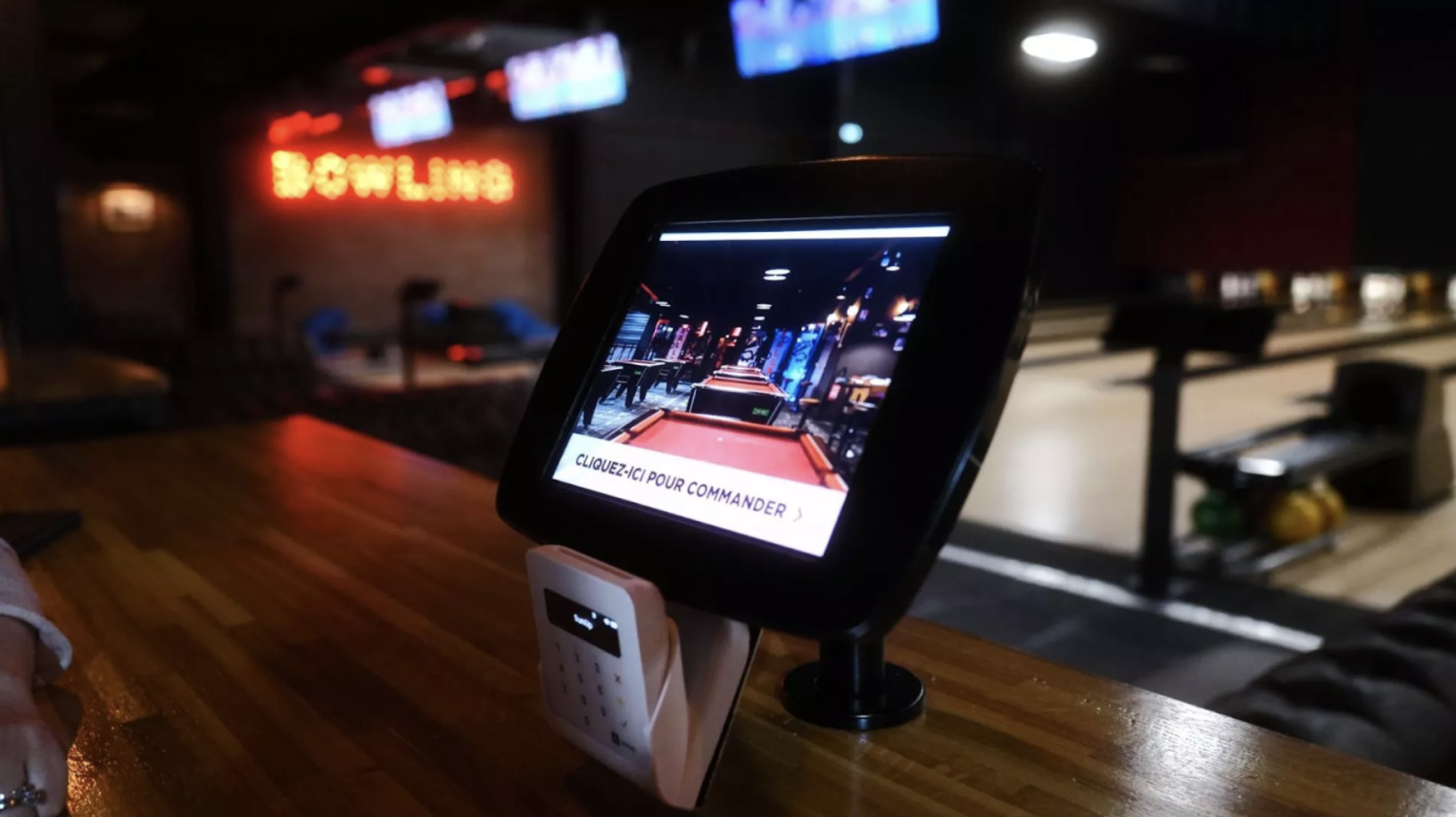
"To enable players to consume during their game while preserving the customer experience, Obypay installed ordering kiosks right in front of the bowling lanes. Results: a 30% increase in the average basket!"

Factory Julien, Manager Discover the case study
alt
alt

"A real time-saver for customers and staff! What's more, thanks to the product suggestions integrated into the order path on the kiosk, customers order more and the average ticket increases effortlessly."

Auguste & Ferdinand Yoann, Co-Manager Discover the case study
alt
alt

"We've streamlined the flow in our restaurants thanks to Obypay and their order terminals. The customer experience is now simpler, faster and more complete with the loyalty solution. It also allows us to be more efficient in the kitchen. "

Pock'n roll Adil, Director Discover the case study
alt

GET YOUR CATALOG

4 Obypay order terminals at Italian Trattoria Gare du Nord
mezzencore control terminals
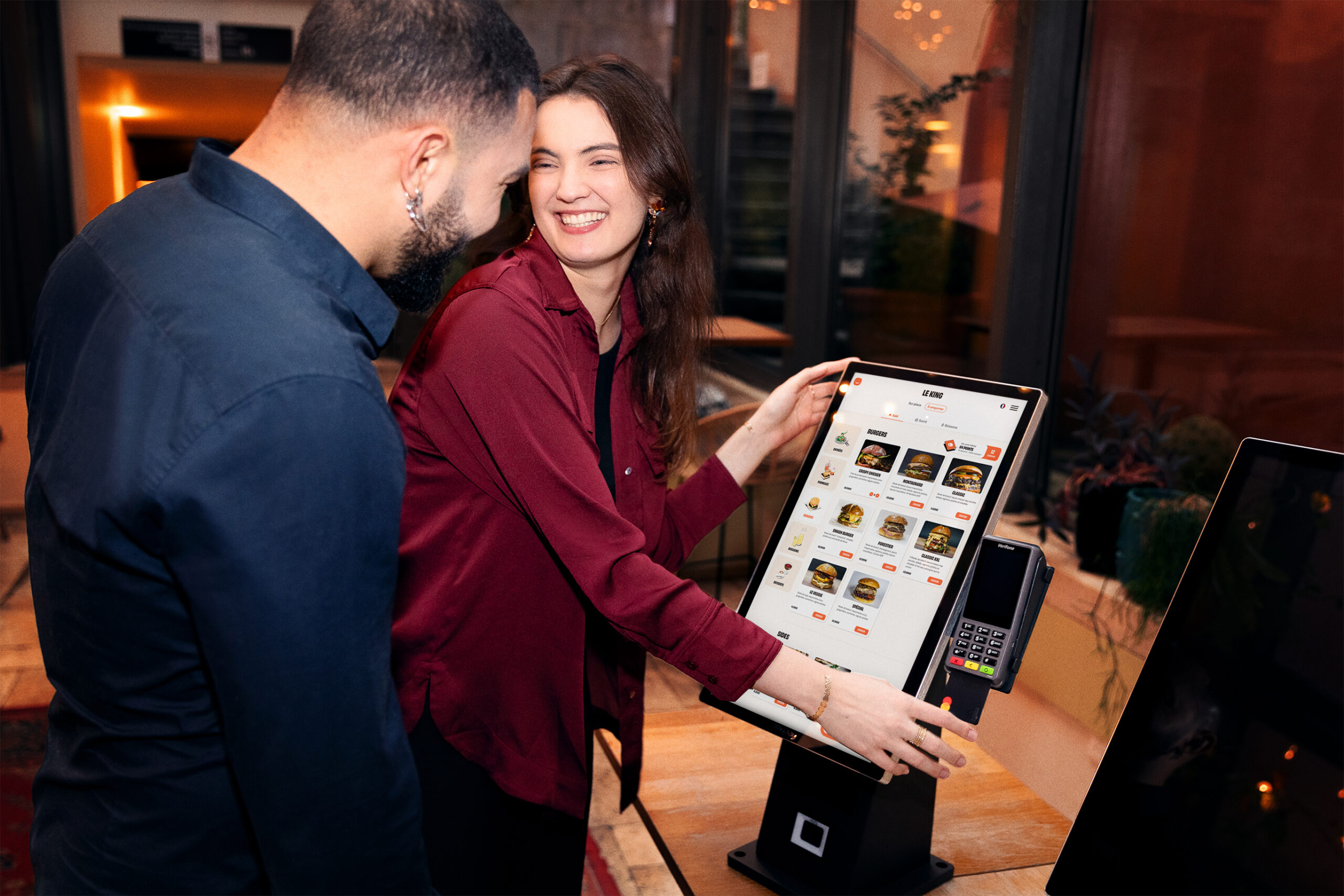
Two people in a restaurant placing an order using an Obypay ordering terminal
taking orders in a restaurant on an order terminal
Mealy fast food ordering terminal
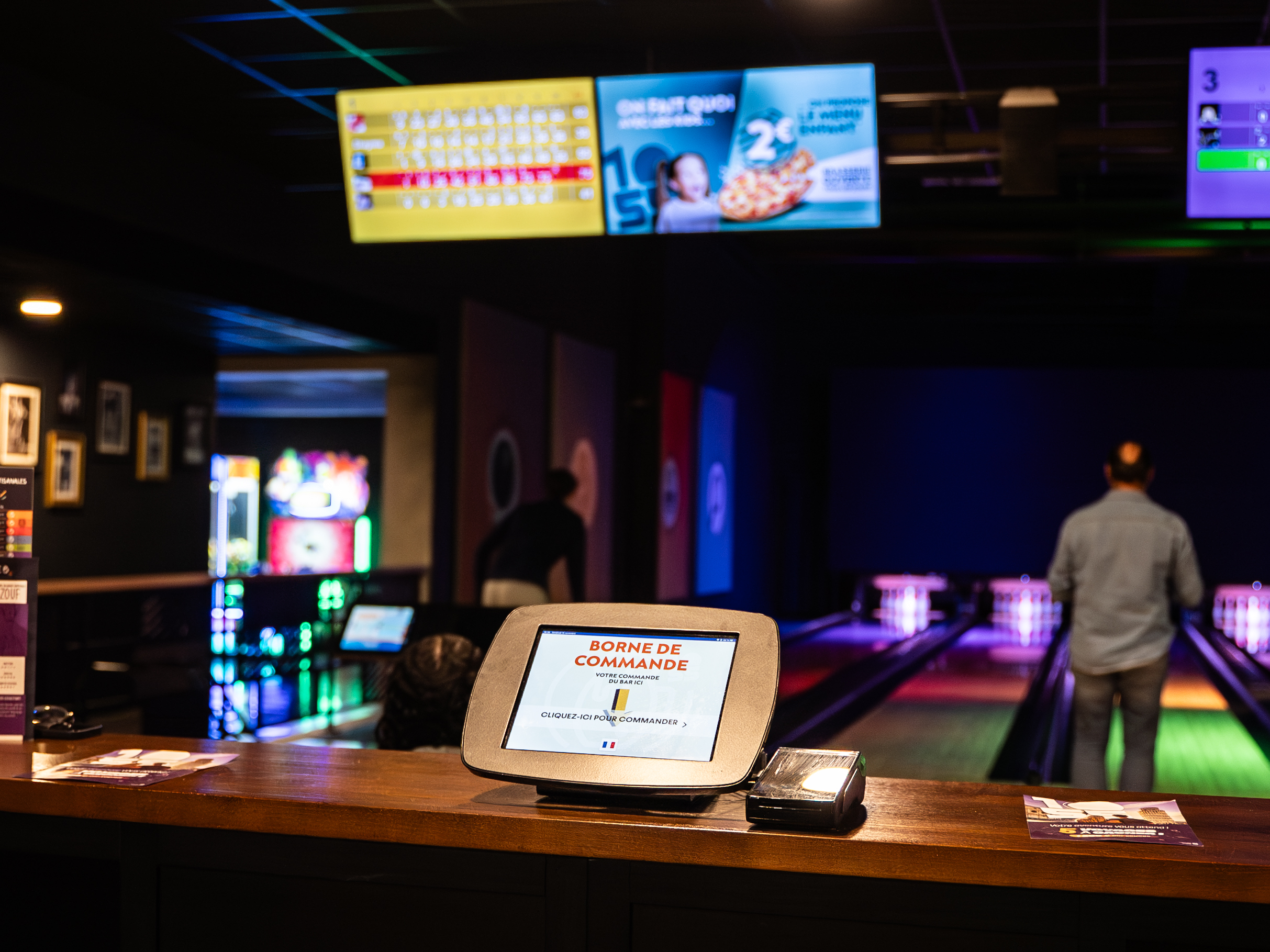
In a bowling alley, a kiosk allows you to order food and drinks directly from the bowling lanes.
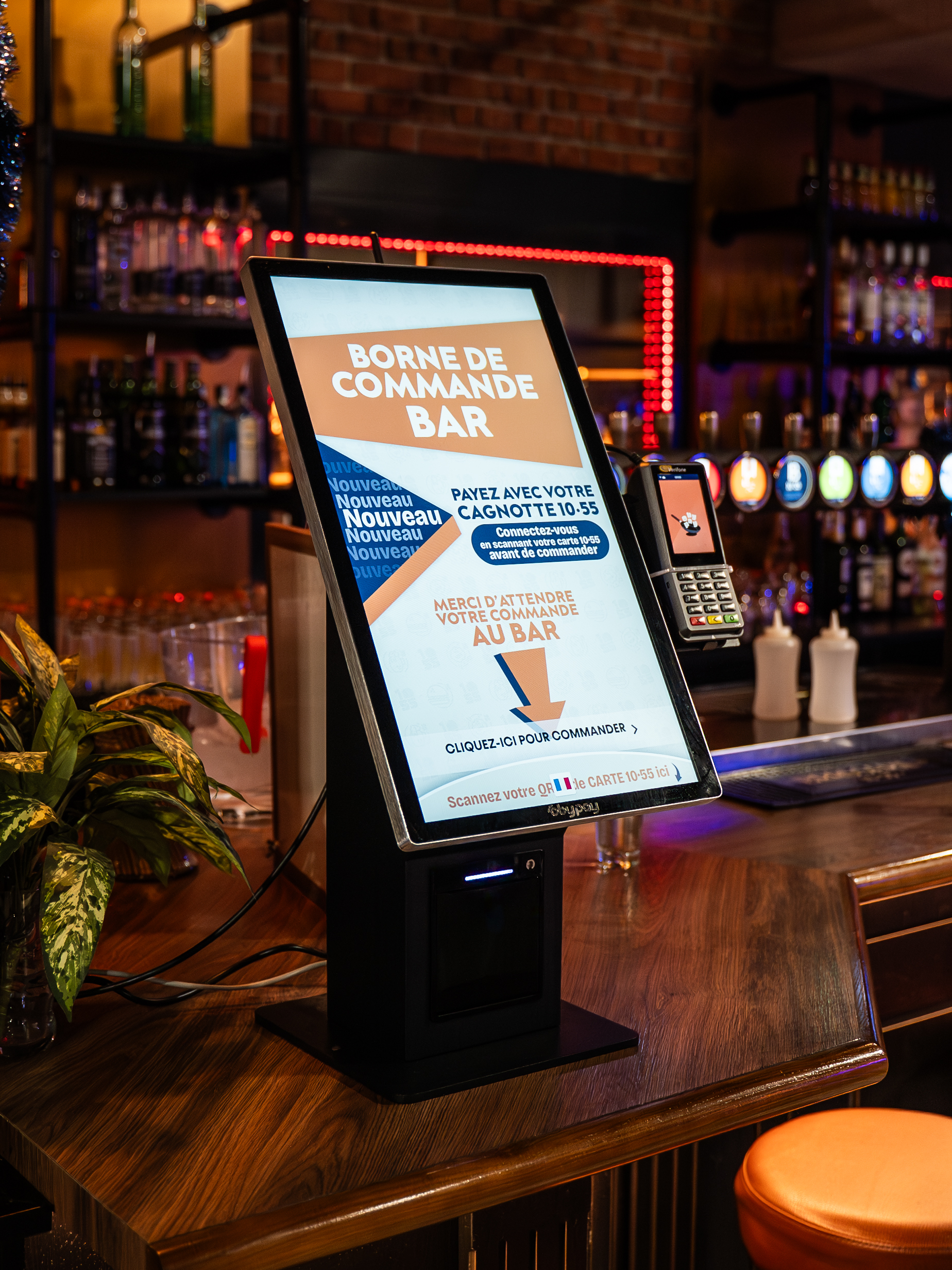
countertop order terminal with promotional image on screen saver
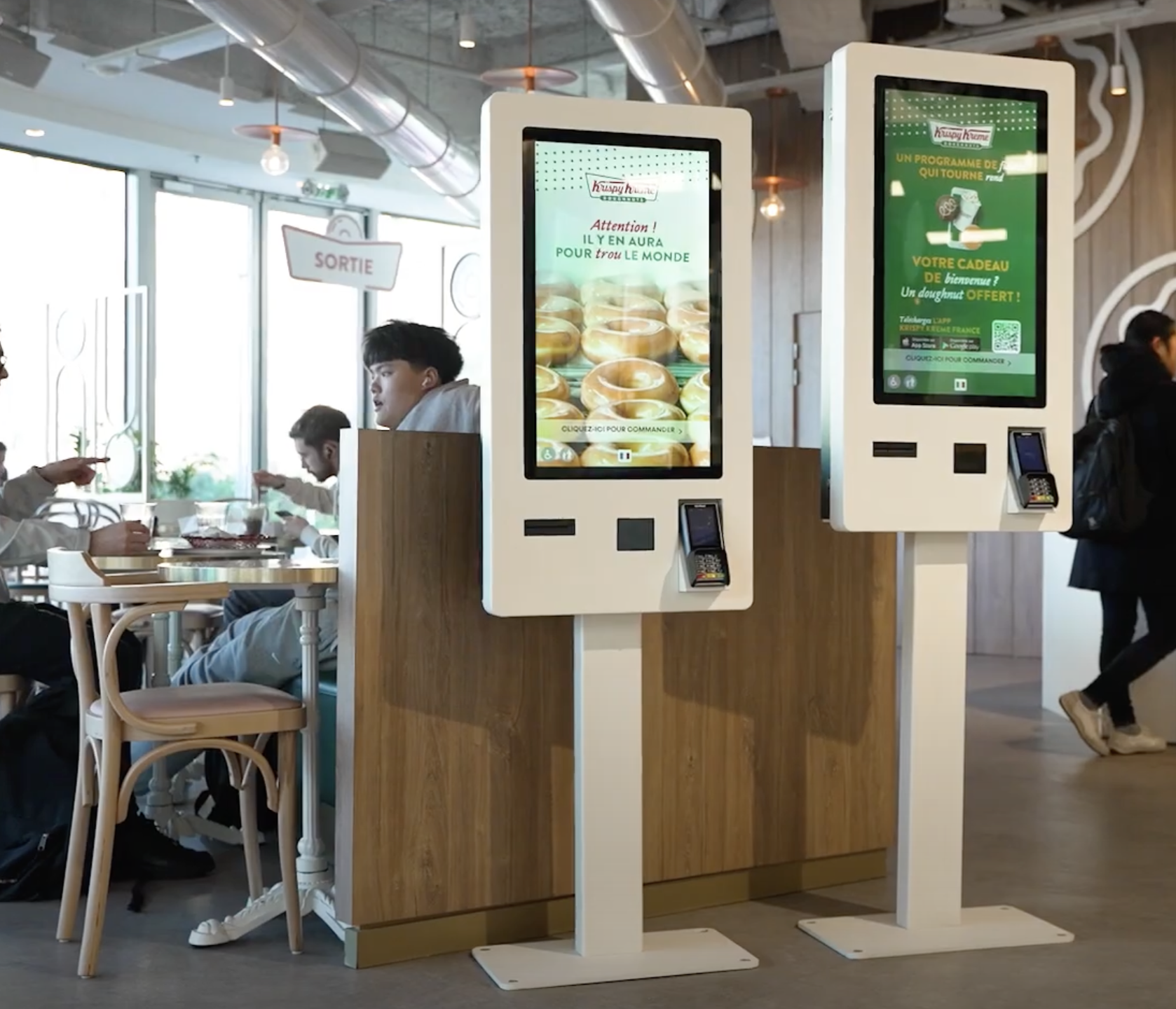
krispy kreme order terminals. Promotional screens display the brand's latest innovations.
Flunch order terminal - Obypay
Order shelf in a leisure complex displaying the benefits of the site's loyalty card, on a rotating display unit.
Table control panel in a bowling alley
customers taking orders at italian trattoria kiosks
4 Obypay order terminals at Italian Trattoria Gare du Nord
mezzencore control terminals
Two people in a restaurant placing an order using an Obypay ordering terminal
taking orders in a restaurant on an order terminal
Mealy fast food ordering terminal
In a bowling alley, a kiosk allows you to order food and drinks directly from the bowling lanes.
countertop order terminal with promotional image on screen saver
krispy kreme order terminals. Promotional screens display the brand's latest innovations.
Flunch order terminal - Obypay
Order shelf in a leisure complex displaying the benefits of the site's loyalty card, on a rotating display unit.
Table control panel in a bowling alley
customers taking orders at italian trattoria kiosks
4 Obypay order terminals at Italian Trattoria Gare du Nord
mezzencore control terminals
Two people in a restaurant placing an order using an Obypay ordering terminal
taking orders in a restaurant on an order terminal
Mealy fast food ordering terminal
In a bowling alley, a kiosk allows you to order food and drinks directly from the bowling lanes.
countertop order terminal with promotional image on screen saver
krispy kreme order terminals. Promotional screens display the brand's latest innovations.
Flunch order terminal - Obypay
Order shelf in a leisure complex displaying the benefits of the site's loyalty card, on a rotating display unit.
Table control panel in a bowling alley
customers taking orders at italian trattoria kiosks

How does it work?

Support and advice are our top priorities. A team of experts will be dedicated to you, and will be at your disposal throughout our collaboration. 

Step 1: Understanding your challenges

Make an appointment to meet one of our team members to learn more about Obypay solutions. This can be done by videoconference, or on our premises. This meeting will enable us to understand your objectives and needs, so we can offer you a free audit. Once the audit is complete, you'll receive a quote that perfectly matches your expectations.

Step 2: Coordination with our Operations team

Our experts take over from you to help you deploy the Obypay solutions you've chosen: order terminals, qr codes, click & collect, loyalty programs... We'll help you configure everything.

We'll also connect our solution to your cash register software, so that orders can be sent directly to the kitchen and cash register.

Step 3: Customization with our Success teams

Now it's time to personalize your card and all your ordering interfaces, including your kiosk: set up videos or photos on the screen saver, activate menu translation, choose the customer path, set up the menu, etc. Take advantage of all our features to personalize your kiosk.

Step 4: Hardware installation

The equipment is pre-configured by one of our technicians and then sent to you. Installation takes just a few minutes. All you have to do is connect your terminal to the power supply and the Internet, and you're ready to go. 

We can also come to you at your request.

Step 5: Training with our Success teams

Alongside these steps, your dedicated Account Manager will train you in how to use the kiosks, manage your menu and add photos and products. The aim is to make you autonomous, although we'll always be there to support you.

Step 6: Support with your dedicated Manager

The entire Obypay team and your Account Manager are available to support you 7 days a week. We're here to answer your questions and help you if you need assistance.